Libre.fm Plugin for Jellyfin
Libre.fm Plugin for Jellyfin is a Plugin to Scrobble your music to Libre.fm.
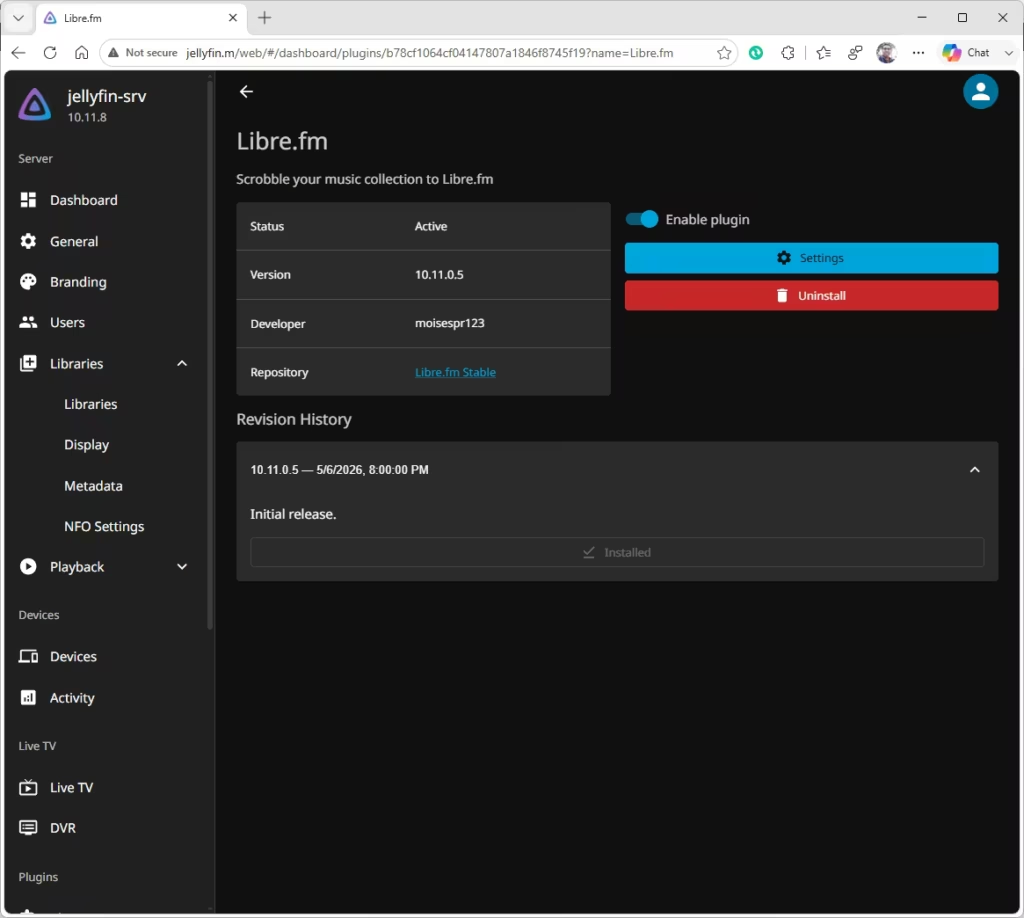
The plugin is a fork of the existing Last.fm plugin. The difference is this plugin will scrobble to Libre.fm while the Last.fm plugin will scrobble to Last.fm.
You can use both plugins at the same time if you want to scrobble to Last.fm and Libre.fm. There is also a ListenBrainz plugin if you want to scrobble to ListenBrainz as well. This allows you to scrobble to all 3 major scrobbling platforms.
Setup is similar to the Last.fm plugin. You enter your Libre.fm username and password, which gets converted to a secure hash. Your password is not saved in the plugin.
Installation
Go to your Admin Dashboard -> Plugins -> Manage Repositories and add the following repo:
- Repo name: Libre.fm Stable
- Repo URL: https://raw.githubusercontent.com/moisespr123/jellyfin-plugin-librefm/refs/heads/master/manifest.json
Then, go to the available plugins, select Libre.fm, install and enable it.
Restart the Jellyfin server after installation.
Configuration
- Go to your Admin Dashboard -> Plugin -> Libre.fm -> Settings.
- Select the user to link to Libre.fm. Enter your Libre.fm username and password.
- Check “Enable Scrobbling for this user?”.
- Enable Alternate Mode if your music client does not send PlaybackStopped events, or if it is not scrobbling correctly.
- Press Save.
Source Code
Available on GitHub: https://github.com/moisespr123/jellyfin-plugin-librefm