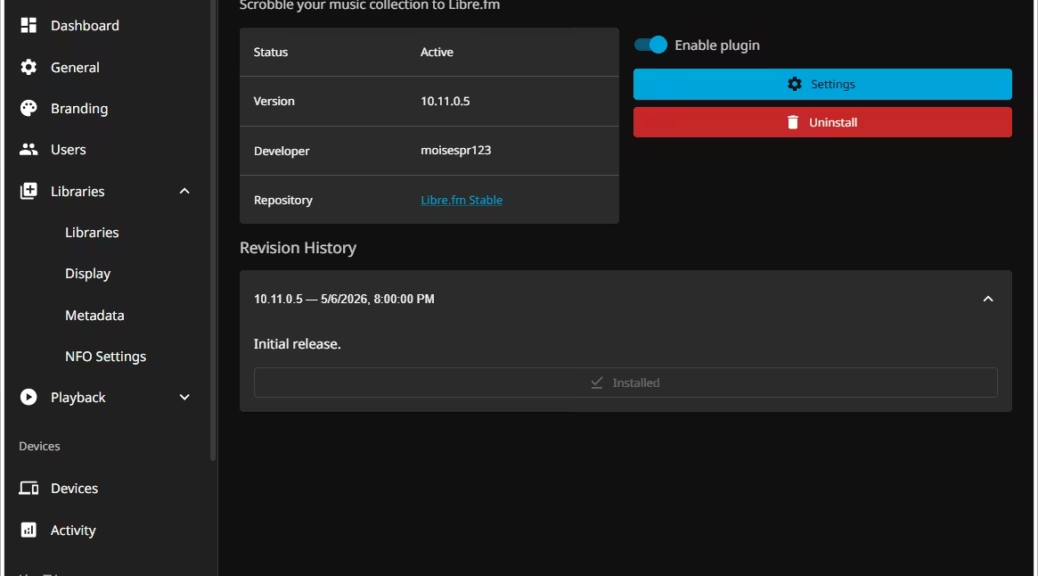
Libre.fm support for Jellyfin
Hi everyone,
Today, I spent my day adapting the Jellyfin Last.fm plugin to function solely with Libre.fm.
While the Last.fm plugin added support to use custom endpoints that allow it to work with Libre.fm, it can only scrobble to 1 service at a time. To overcome this, I forked the jellyfin-plugin-lastfm plugin, cleaned it up, and modified it to only work with Libre.fm
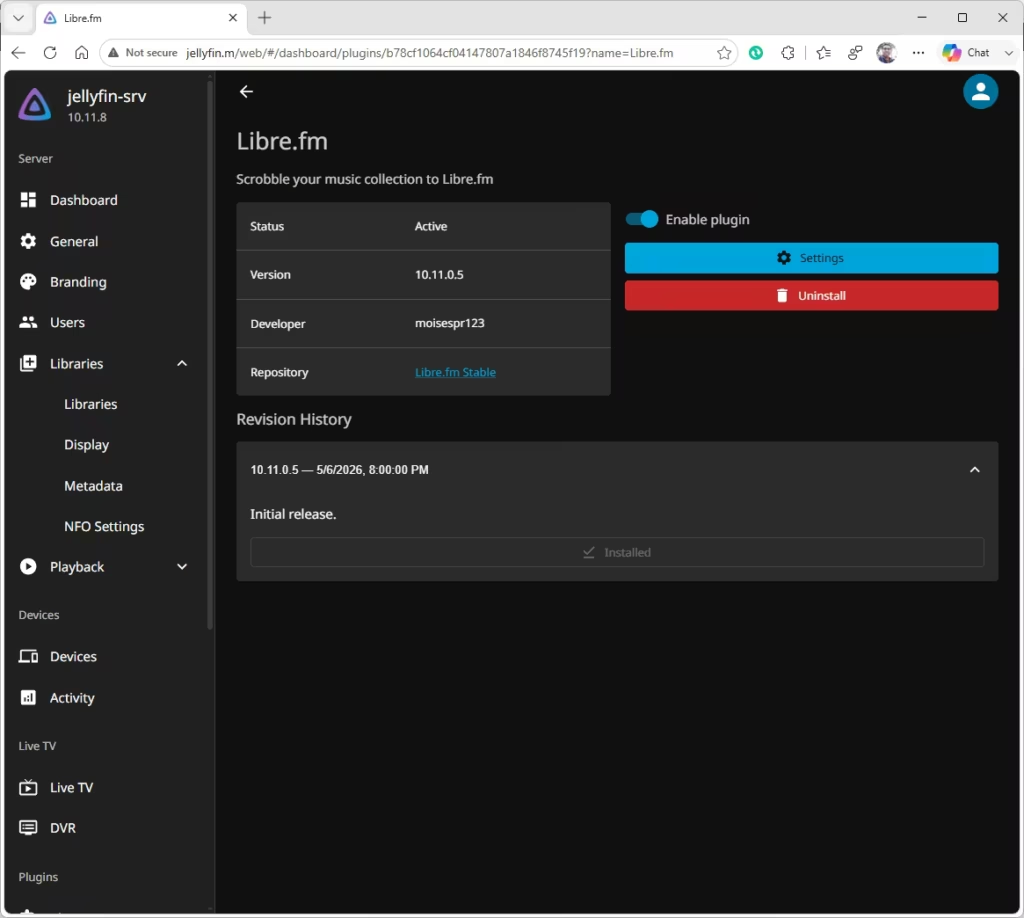
The result is that now, Jellyfin can scrobble to all 3 main scrobblers, as this plugin can work simultaneously with the existing Last.fm and ListenBrainz plugins.
The installation and configuration is similar to the Last.fm plugin, except there is no need to configure custom endpoints. Also, this plugin only scrobbles, so the extra functions it had, like syncing tracks and using it for album art info has been removed.
Installation
Go to your Admin Dashboard -> Plugins -> Manage Repositories and add the following repo:
- Repo name: Libre.fm Stable
- Repo URL: https://raw.githubusercontent.com/moisespr123/jellyfin-plugin-librefm/refs/heads/master/manifest.json
Then, go to the available plugins and select Libre.fm, install and enable it.
Restart the Jellyfin server after installation.
Configuration
- Go to your Admin Dashboard -> Plugin -> Libre.fm -> Settings.
- Select the user to link to Libre.fm. Enter your Libre.fm username and password.
- Check “Enable Scrobbling for this user?”.
- Enable Alternate Mode if your music client does not send PlaybackStopped events, or if it is not scrobbling correctly.
- Press Save.
Source Code
Available on GitHub: https://github.com/moisespr123/jellyfin-plugin-librefm
I invite you to test it and let me know your thoughts on this. It is as simple as it can be.