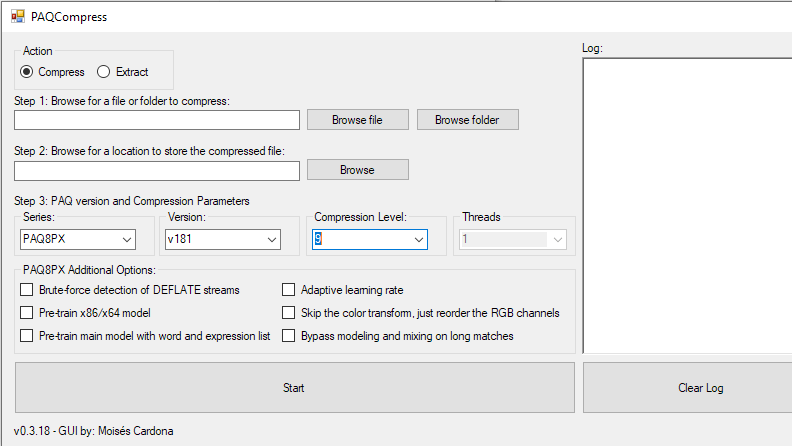
PAQCompress v0.3.18 released!
Hi everyone, Today, I have released PAQCompress v0.3.18: This release adds paq8pxd_v67. You can download this release on GitHub by clicking here. Enjoy! Post Views: 5
Hi everyone, Today, I have released PAQCompress v0.3.18: This release adds paq8pxd_v67. You can download this release on GitHub by clicking here. Enjoy! Post Views: 5
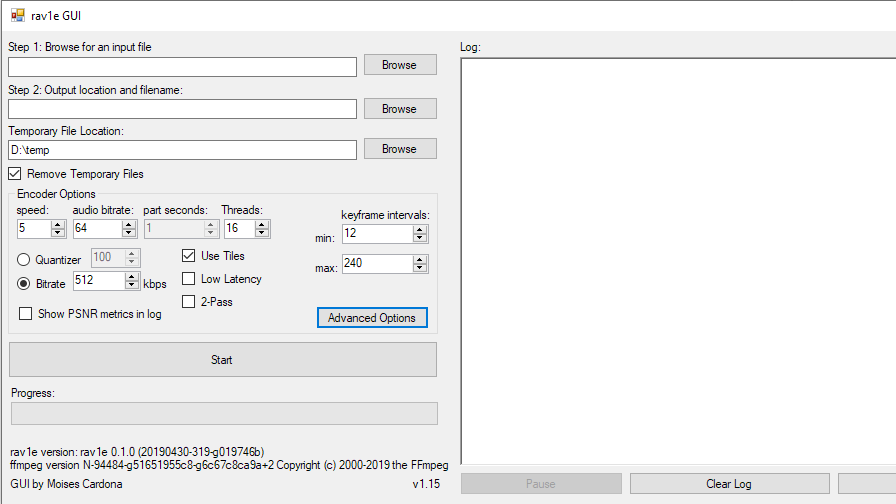
Hi everyone, Today, I have released rav1e GUI v1.15: This release removes the Unspecified option in the Range Advanced Option and now defaults to Limited. This makes the GUI compatible with the latest rav1e versions. You can download this release on GitHub by clicking here. Enjoy! Post Views: 3
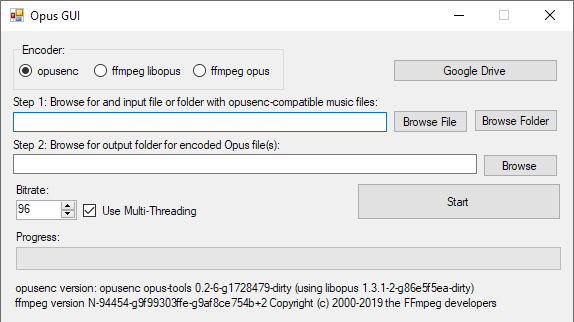
Hi everyone, Today, I have released Opus GUI v1.13.0: Starting from this release, the software will no longer create temporary files. Everything is done using piping between the software and ffmpeg, or opusenc, depending on the encoder used. You can get this version on GitHub by clicking here. Enjoy! Post Views: 3
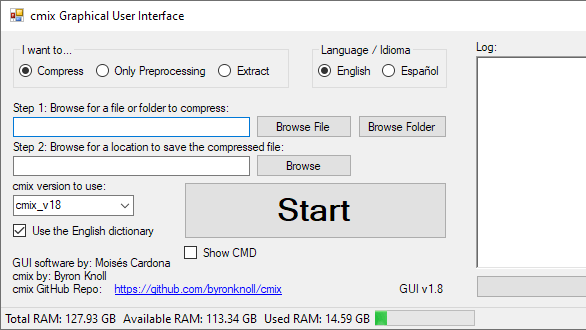
Hi everyone, Today, I have released CMIX GUI v1.8: This release adds support for CMIX v18. You can download this version on GitHub by clicking here. Enjoy! Post Views: 39
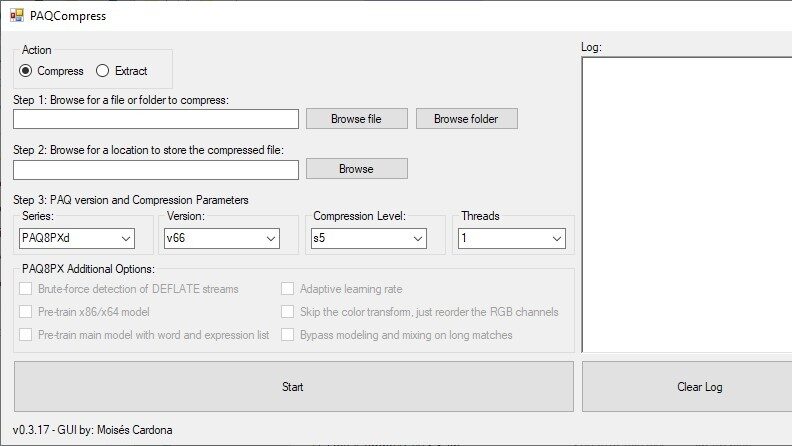
Hi everyone, Today, I have released PAQCompress v0.3.17: This release adds paq8pxd_v66. You can download this new version on GitHub by clicking here. Enjoy! Post Views: 12
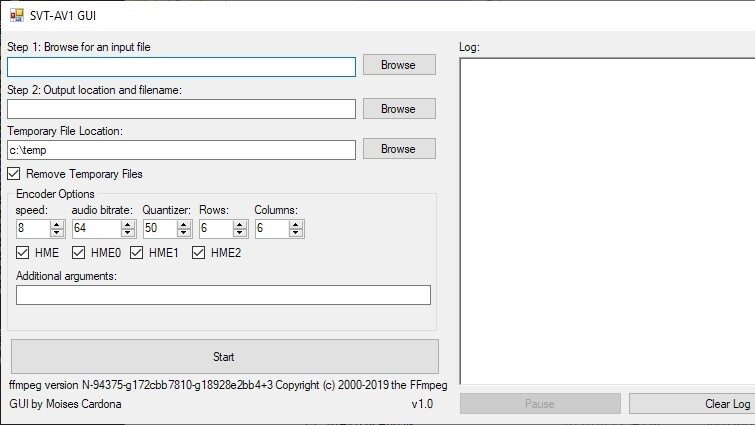
Hi everyone, Today, I’m pleased to release SVT-AV1 GUI: This is a Graphical User Interface for SVT-AV1. It is similar to rav1e GUI, but instead of using rav1e, it uses SVT-AV1. Both software achieves the same purpose of converting videos to the new AV1 format. You can download this new software at GitHub by clicking here. Note that you need to have ffmpeg in your PC in order to use this software. You can follow this guide to download it….
Note: This guide is obsolete. Please refer to the new guide to download ffmpeg by clicking here. Hi everyone, In this post, I’ll show you how to download ffmpeg to use with SVT-AV1 GUI. FFmpeg is required to extract the video file to .y4m, encode the audio to Opus, and merge both files when the encode is finished. Here are the steps: 1. Navigate to https://ffmpeg.zeranoe.com/builds/: 2. Select the nightly build which is the first one shown in “Version”. Select…
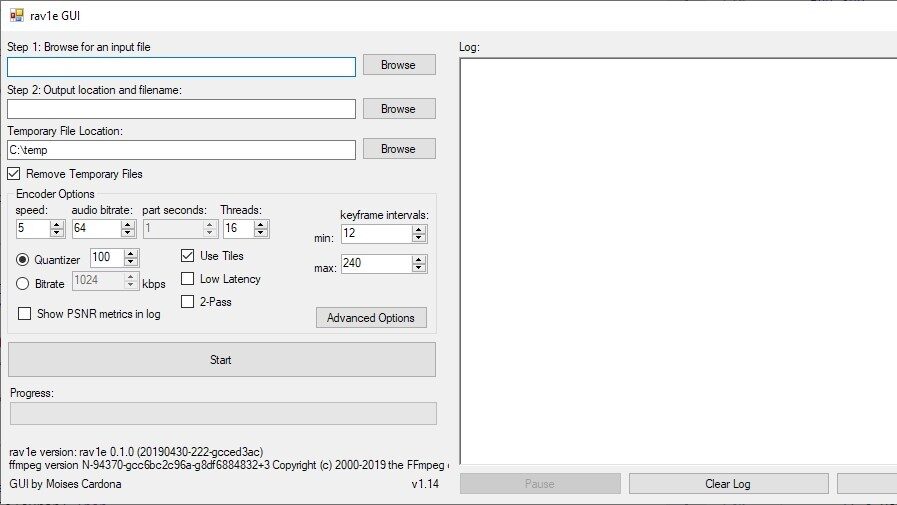
Hi everyone, Today, I have released rav1e GUI v1.14: This release makes it possible to encode video files with no audio. It also will predefine the output path using the input path, and change the output extension to .webm. What’s more, is that if you manually type the input path, the output path will be dynamically adjusted too! You can download this release on GitHub by clicking here. Enjoy! Post Views: 13
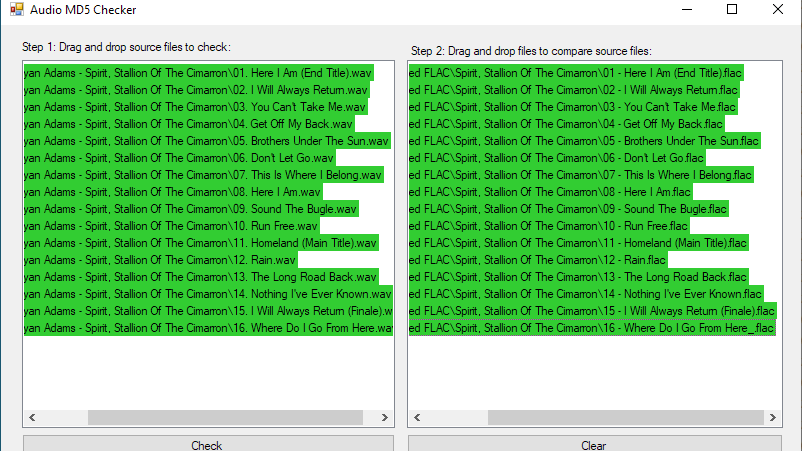
Hi everyone, Today, I’ve released my new tool, Audio MD5 Checker: This is an essential tool to have to compare audio hashes when you are recompressing FLAC files, converting WAVs to FLACs, or recompressing MP3 files. The tool makes use of ffmpeg to determine the audio hash and checks if the other file audio matches, making sure that the recompression or conversion went correctly. The tool is open source and the code can be seen here. You can download this…
Note: This guide is obsolete. Please refer to the new guide to download ffmpeg by clicking here. Hi everyone, In this post, I’ll show you how to download ffmpeg to use with Audio MD5 Checker. FFmpeg is required to calculate MD5 audio hashes with Audio MD5 Checker. Here are the steps: 1. Navigate to https://ffmpeg.zeranoe.com/builds/ 2. Select the nightly build which is the first one shown in “Version”. Select the 64-bit Windows version if you have a 64-bit machine, and…