PAQCompress v0.3.7 released!

PAQCompress v0.3.7 released!

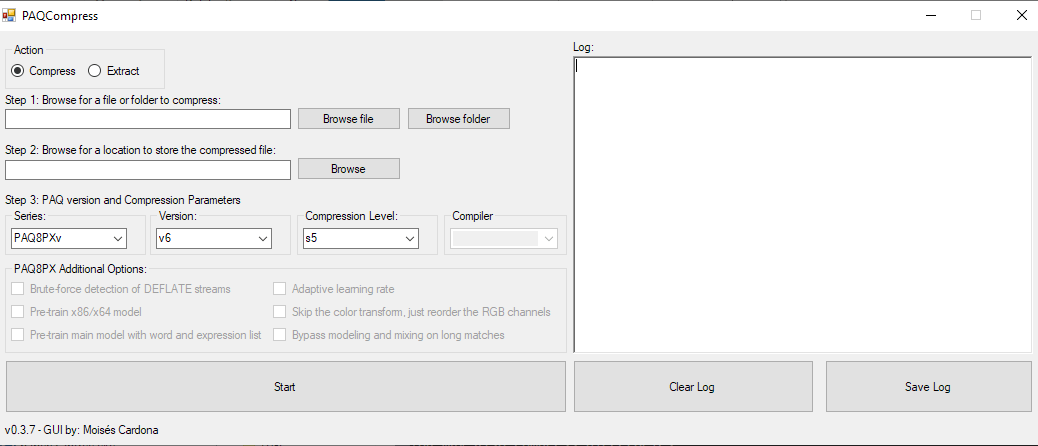
Hi everyone, Today, I have released PAQCompress v0.3.7: This new release adds support for the following PAQ versions: paq8pxd v64 paq8pxv v6 You can download this new release at GitHub here: PAQCompress v0.3.7 The source code, as usual, is available at the PAQCompress project repository: https://github.com/moisesmcardona/PAQCompress Technical notes: paq8pxv v6 provided only one executable, and it was not labeled either with their usual “jit.exe” ending nor with “vm.exe”. Because of this, I had to write a new function that will…

Read More Read More

Puerto Rico from the Sky (August 2018)

Puerto Rico from the Sky (August 2018)

Hi everyone, Today, I’d like to share some photos of Puerto Rico as seen from the Sky. These photos are from my August 2018 travel. Entering the island: The rivers from Bayamón: Part of “Isla de Cabra” and Old San Juan: Old San Juan: Here, we can see Santurce and the bridge Dos Hermanos: More of San Juan: Arriving at the airport: We can see a Pueblo Supermarket in the background: And I arrived at the Island. Photos were taken…

Read More Read More

Opus GUI v1.8 released

Opus GUI v1.8 released

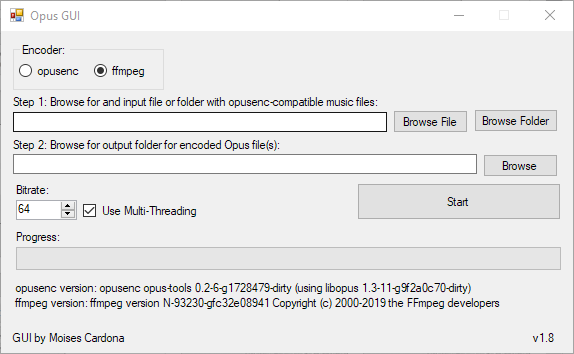
Hi everyone, Today, I have released Opus GUI v1.8: This is an improvement release. It is now able to detect whenever opusenc and FFmpeg exists in your PC. It will also now show the FFmpeg version if it exists. Also since I didn’t made a post regarding v1.7, here are the details of the past version: You can now encode individual files by browsing for it or dragging and dropping it. The output should be a folder If there is…

Read More Read More

Programming Saturday: rav1e GUI

Programming Saturday: rav1e GUI

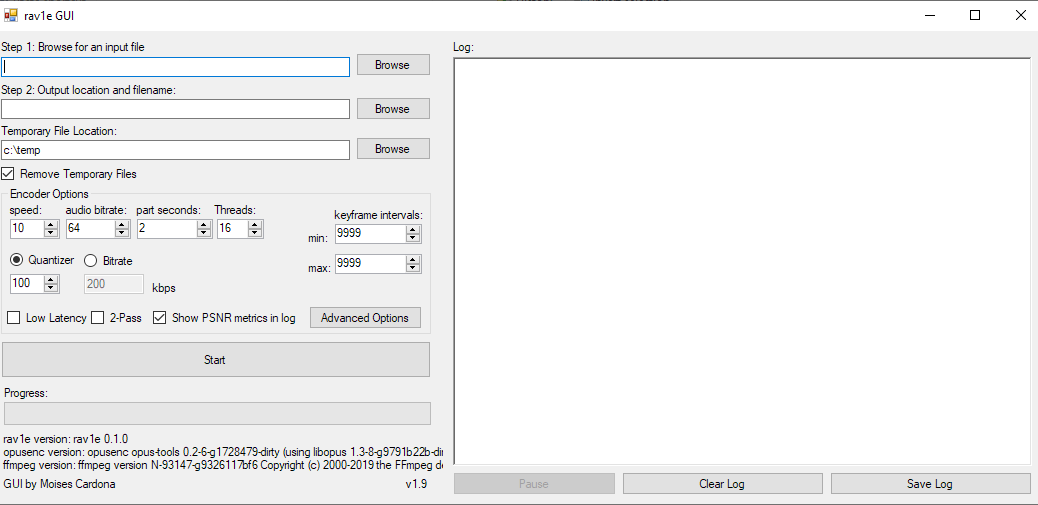
Hi everyone, Today, I spent the afternoon programming my rav1e GUI software. It’s been about a month since I last released a rav1e GUI update, and rav1e itself has improved by then. While I still haven’t released a new GUI version, I did some programming to it to add some of the new rav1e features. Unfortunately, the tests were not successful and I believe this has to do to some changed in the encoder itself. Don’t worry, I’ve opened an…

Read More Read More

Hidizs DH1000

Hidizs DH1000

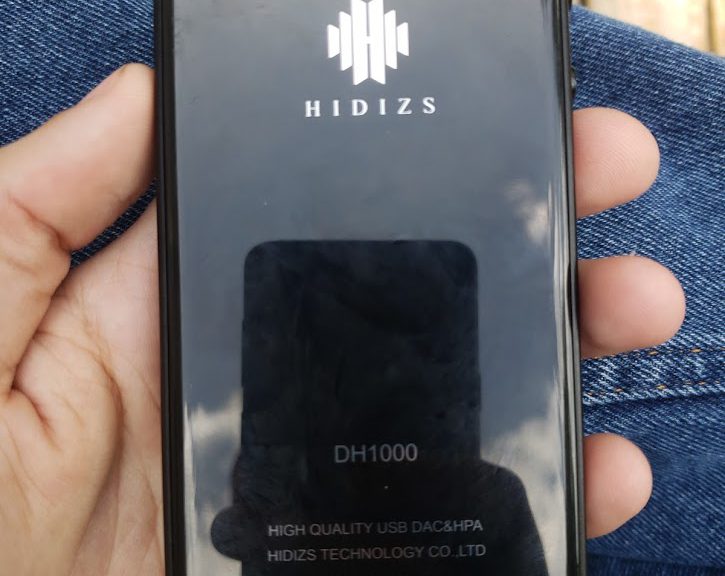
The Hidizs DH1000 is a DAC/Amp that uses a balanced circuit, featuring Dual ESS ES9018K2M and Dual ESS amps, it provides balanced audio as each DAC decodes each channel. You also benefit from the Balanced 2.5mm audio jack to get the best, balanced audio quality, or you can use your current 3.5mm headphones or cables with it. The Hidizs DH1000 supports a sample rate of up to 24-bit/192khz. The Good: The bad: Unboxing: Photos: Post Views: 37

PAQCompress v0.3.6 released!

PAQCompress v0.3.6 released!

Hi everyone, Today, I have released PAQCompress v0.3.6: This release adds PAQ8PXv v5. The previous release added PAQ8PX v4 and PAQ8P_PC. You can download this new version at the project’s GitHub page here: https://github.com/moisesmcardona/PAQCompress/releases/tag/v0.3.6 Enjoy! Post Views: 8

Fixing a problem in my DLNA software

Fixing a problem in my DLNA software

Hi everyone, Today, I applied a fix to my DLNA software that allows you to stream music via the DLNA protocol to your DLNA renderer devices. This fix applies only to the Opus and FLAC wav file access code, and is for a problem that happened if a temp.wav file is still in use. and the software tries to access the file. This caused a “File in use” problem and the software would throw an error. My solution was to…

Read More Read More

Using the Hidizs AP80 as a High Quality USB LDAC Bluetooth Transmitter

Using the Hidizs AP80 as a High Quality USB LDAC Bluetooth Transmitter

Hi everyone, Over the weekend, I recorded this video in which I show you how to use your Hidizs AP80 High-Resolution Music Player as a High Quality USB LDAC Bluetooth Transmitter. It’s very simple to do and for the PC, it is just a USB Audio Class 2 device. The Hidizs AP80 is in charge of getting the audio that the PC sends to it and it then uses the LDAC Bluetooth codec to encode the music and transmit it…

Read More Read More

Opus GUI v1.6 released

Opus GUI v1.6 released

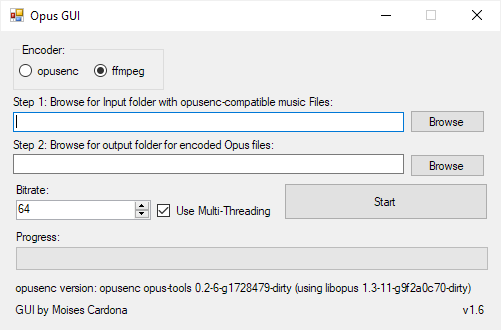
Hi everyone, Today, I have released Opus GUI v1.6: This new version adds support for ffmpeg, allowing you to choose between opusenc and ffmpeg to encode your music files. Download To download this new version, click here. You’ll be redirected to the project’s GitHub page. Please note that the software does not comes with ffmpeg, but you can download it following the instructions found by clicking here Enjoy! Post Views: 6